 ClipSplit
Copy, don't re-encode
Re-encoding decodes every frame and compresses it again, which costs detail and time. A lossless split skips that: the parts are cut from the original video data without changing it. The resolution, frame rate, colours and sound are the ones your camera recorded.
That is also why it is fast. Most videos split in about a second, whatever their length.
Parts that still fit their limit
A lossless cut can only fall on certain frames. ClipSplit plans every part so none runs over the length or size you chose. If a video can't be cut that way, it switches to Exact mode on its own, which cuts on the exact frame and re-encodes only as needed to match the original quality.
Nothing added
No watermark, no logo, no end card. The parts are your video, shorter.
How to split a video losslessly
- Choose the video
Open ClipSplit and pick the video.
- Keep quality on Original
Leave the quality on Original, which is the default.
- Pick a length or size
Choose seconds or MB for the parts.
- Split
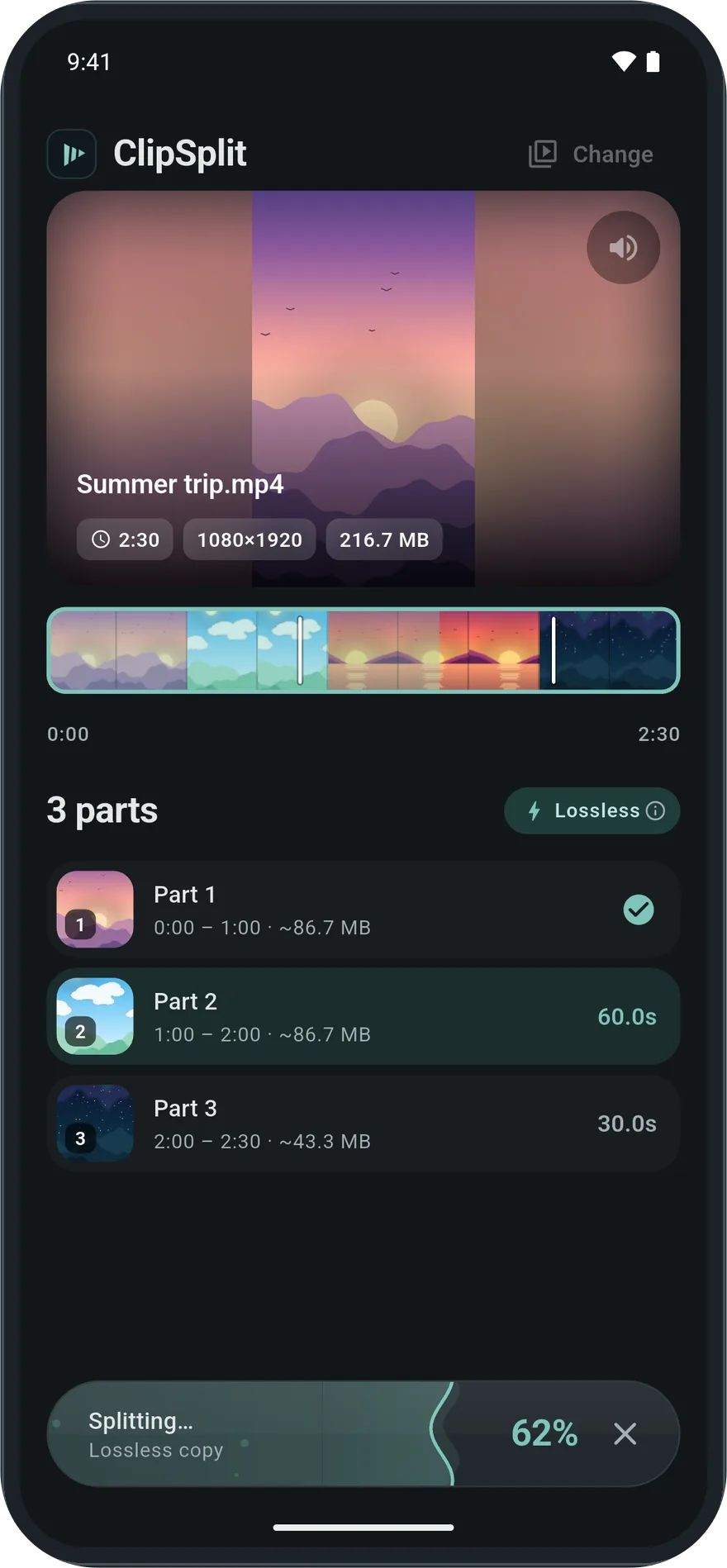
Tap Split. The badge shows Lossless copy while it works.
Good to know
- Lossless parts are as large, per second, as the original. To make them smaller, choose Smaller or Smallest.
- If the badge says Exact mode, ClipSplit is matching the original quality while cutting on exact frames. It takes longer but needs nothing from you.